Purchase Management in Teqtivity: Knowing How Every Asset Entered Your Inventory
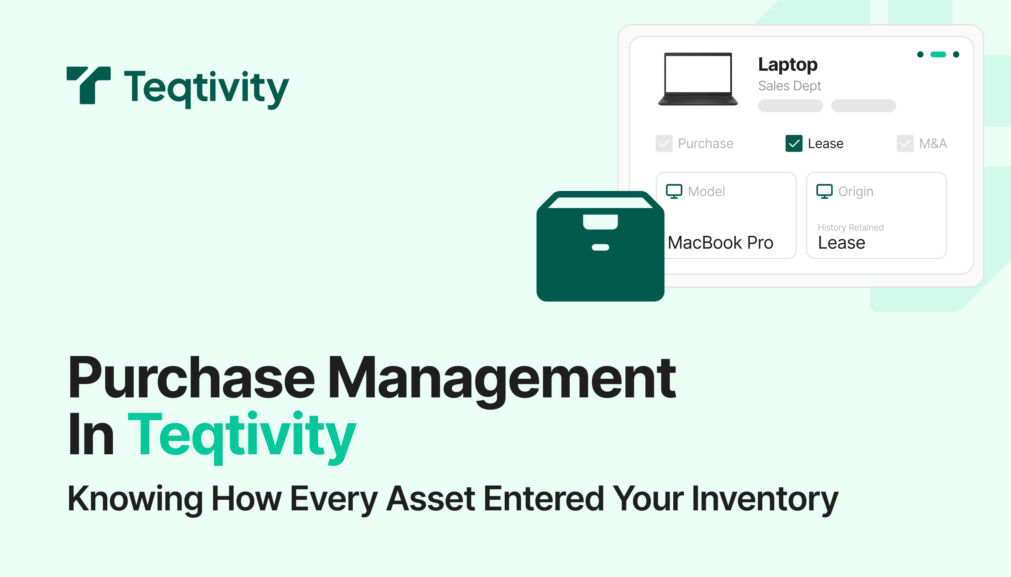
Not every device enters a company the same way.
Some laptops are purchased outright.
Others are leased under long-term contracts.
Fast-growing companies often inherit hundreds of devices through mergers and acquisitions.
Inside many asset systems, those differences disappear. Devices look identical once they are added. Procurement details live in emails, finance tools, or spreadsheets that IT does not regularly access.
When that context is missing, teams lose clarity. Finance has trouble validating spend. IT has to guess how a device should be handled. Audits require manual cross-checks just to answer basic questions.
This is the gap Purchase Management in Teqtivity is designed to close.
What Purchase Management Means in Teqtivity
Purchase Management is not a custom field or a label added after the fact.
It is a built-in module that treats purchased, leased, and M&A assets as different entry paths, while keeping everything in one system.
For every asset, teams can clearly see:
- How the device was acquired
- What financial or contract details apply
- Whether that status has changed over time
Anyone opening an asset record can understand its origin immediately. There is no need to search notes or confirm details elsewhere.
How Assets Are Added
Procurement details are captured when the asset enters Teqtivity.
When adding a device or importing a list, teams select a purchase type:
- Purchased
- Leased
- M&A
Teqtivity then shows only the fields that apply to that selection.
For purchased devices, this includes the PO number, vendor, and purchase price.
For leased devices, this includes contract details, monthly cost, and lease dates.
For M&A assets, this includes the acquisition name, source company, and date acquired.
Standard asset information such as asset type, tag, serial number, and location is always captured. Procurement details simply live alongside it in the same record.
This keeps intake simple while ensuring the right information is recorded from the start.
See the Workflow in Action
This workflow is easier to understand visually.
A short Storylane demo shows how different asset types are added, how fields adjust based on purchase type, and how procurement details stay visible over time.
You can see how purchased, leased, and M&A assets live together in one inventory without workarounds or side tracking.
When Procurement Details Change
Asset status does not stay fixed.
Leased devices may be purchased later.
Assets inherited through an acquisition may be replaced or retired.
In many systems, these changes overwrite earlier information or require manual notes to preserve history.
In Teqtivity, procurement changes are recorded clearly.
A leased device can be converted to a purchased device with a single action. The original lease details remain part of the asset record. Nothing is lost or hidden.
This helps teams:
- Maintain accurate financial records
- Support audits without reconstruction work
- Understand the full cost of a device over time
The asset record reflects what actually happened, not just its current state.
Why We Built It This Way
Procurement complexity is normal, not exceptional.
As companies grow, they use more vendors, more contracts, and more acquisition paths. When asset systems do not reflect that reality, teams rely on assumptions and manual checks.
Purchase Management was built to remove that uncertainty.
By making procurement paths visible and structured inside the asset record, Teqtivity gives IT and Finance a shared view of how assets enter and change over time.
The goal is not to track more data.
The goal is to make asset records accurate, clear, and easy to trust.
Have questions or want early access? Reach out to your Customer Success Manager or email support@teqtivity.com.