Streamline Employee Onboarding with Teqtivity, Jira, and Your HR Tools
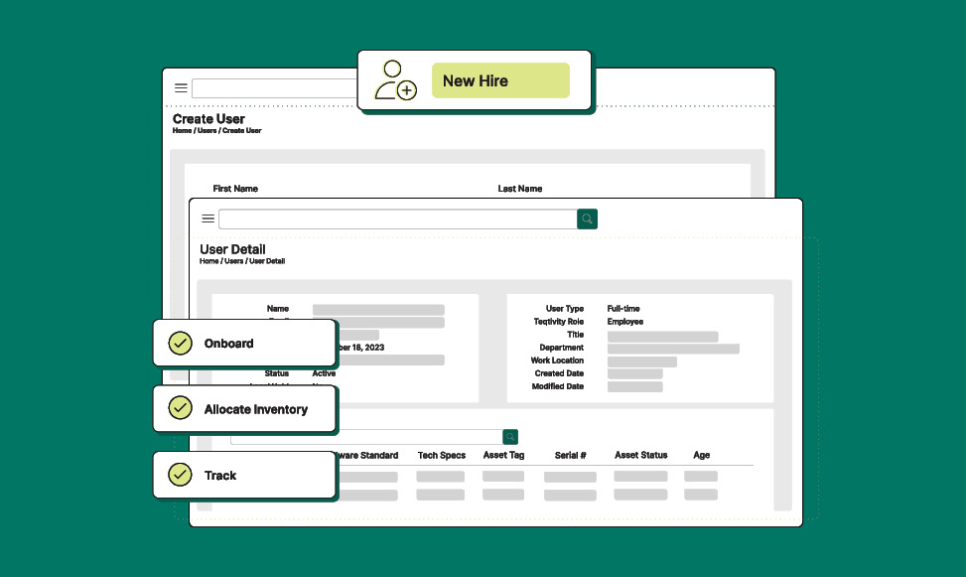
Onboarding a new hire shouldn’t mean scrambling for laptops or chasing down ticket updates. With the right systems working together, assigning equipment becomes automatic, trackable, and stress-free.
That’s what happens when you connect Teqtivity with Jira and your HR platform or directory service like Okta, BambooHR, Workday, or Azure Active Directory.
Why This Integration Matters
Teqtivity bridges IT, HR, and help desk systems so everyone has visibility into who needs what, what’s available, and what’s already been assigned. This means new hires get the gear they need on time, every time.
How It Works
1. Sync employee data from your HR system or directory
When a new hire is added to your HR system or directory, Teqtivity automatically pulls in their information. Your IT team doesn’t have to manually enter user details.
2. Detect onboarding tickets in Jira
Teqtivity recognizes onboarding tickets in Jira by matching the new hire’s email address. It brings those requests into view so IT knows exactly what needs to be done.
3. Assign devices directly in Jira with full visibility in Teqtivity
IT can assign laptops, monitors, phones, and more directly from the Jira ticket. All assignments sync automatically with Teqtivity so records stay accurate and up to date without tracking details in multiple places.
What IT Teams Gain
- No last-minute scrambles for devices
- Faster, more organized onboarding
- Clear ownership of every device
- Fewer follow-ups between HR and IT
- Accurate asset records from day one
A Better Start for Every New Hire
When Jira, your HR tools, and Teqtivity work together, onboarding becomes seamless. New hires are equipped from day one, your records stay clean, and your team can focus on welcoming new talent instead of chasing down assets.
Want to see it in action?
Contact our team and we’ll show you how to simplify your onboarding process.