Top 5 Use Cases for Teqtivity’s MDM Integrations
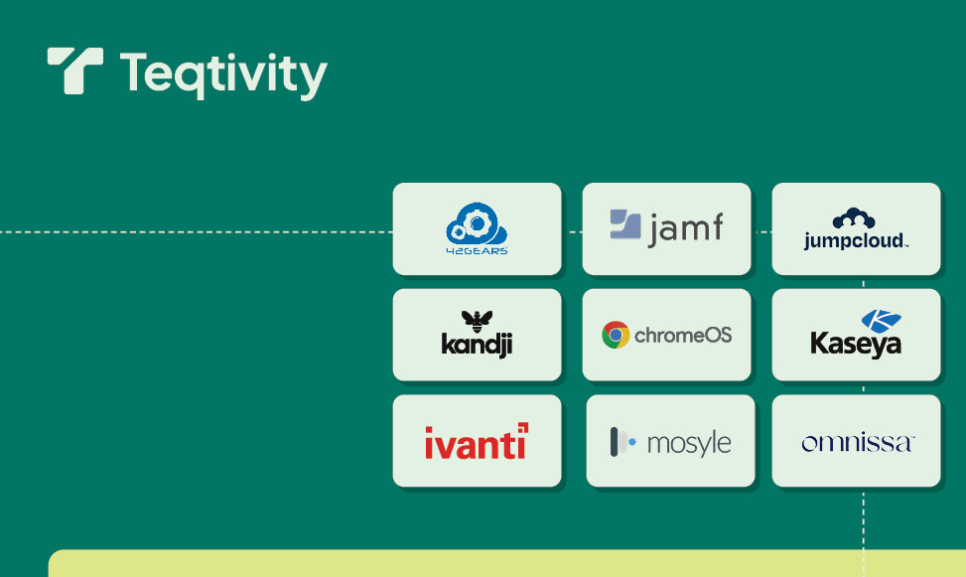
Managing endpoints across diverse teams and geographies is increasingly challenging and critical in today’s mobile-first environment. That’s where Teqtivity’s integration with Mobile Device Management (MDM) platforms comes in. By combining real-time device intelligence from your MDM with the robust tracking capabilities of Teqtivity’s IT Asset Management tool, organizations gain unmatched visibility and control over their mobile fleet.
Let’s explore the top 5 use cases that show the power of this integration.
1. Real-Time Device Inventory Sync
Updating device records across systems can lead to inconsistencies, especially as employees join, leave, or switch roles. Teqtivity’s MDM integrations automate the syncing of asset details, including device status, technical specs, operating system version, encryption status, and more, so your inventory always reflects the most accurate picture.
- Minimizes manual entry and human error
- Ensures up-to-date records across departments
- Helps maintain compliance with IT policies
2. Automated Device Status Tracking
Knowing whether a device is active, inactive, lost, or wiped is critical for security and lifecycle planning. Teqtivity pulls real-time status updates from your MDM, allowing IT teams to take action immediately when necessary.
- Enables quick response to lost or stolen devices
- Provides better control over end-of-life processes
- Reduces risk of data breaches
3. Enhanced User Accountability
Tracking responsibility becomes seamless when devices are tied to specific users in both Teqtivity and the MDM. Whether for audits, compliance, or troubleshooting, you know exactly who uses which device and when.
- Simplifies device handoffs and returns
- Encourages responsible device usage
- Supports HR and compliance documentation
4. Simplified Device Provisioning and Deprovisioning
With the MDM and ITAM working together, provisioning new devices or wiping and reassigning existing ones becomes streamlined. Once a device is added to your MDM, Teqtivity automatically updates asset records, saving time and reducing IT workload.
- Enables faster onboarding and offboarding
- Reduces overhead for IT support teams
- Provides centralized management of the device lifecycle
5. Stronger Security and Compliance Posture
Combining asset management with MDM data gives organizations a holistic view of device security. From tracking encryption status to confirming policy compliance, Teqtivity helps ensure that every mobile device meets your organization’s standards.
- Aids in audit preparation
- Monitors security settings and compliance in real-time
- Helps enforce company-wide IT policies
MDM Solutions That Teqtivity Integrates With
| MDM | Types of devices managed |
|---|---|
| Google Chrome MDM | Chrome OS devices |
| Ivanti | Android, iOS, Windows and macOS Devices |
| Jamf | Apple Devices |
| Kandji | Apple Devices |
| Kesaya | Windows and Apple Devices |
| Microsoft Intune | Windows Devices |
| Omnissa Workspace ONE | Android, iOS, macOS, Windows, and Linux Devices |
| 42 Gears | Android, iOS, macOS and Windows Devices |
| Mosyle | Apple Devices |
If you’re ready to enhance your mobile asset management strategy, Teqtivity’s seamless MDM integration is the solution you’ve been looking for. In a world where mobile devices are central to productivity, an integrated MDM and ITAM strategy powered by Teqtivity isn’t just a convenience – it’s a competitive advantage for secure, efficient, and cost-effective mobile fleet management.
Key Takeaways
- Real-Time Device Inventory Sync: Keeps asset records accurate and updated automatically by syncing with MDM data.
- Automated Device Status Tracking: Monitors device states (lost, wiped, inactive) in real-time for fast response and lifecycle planning.
- Enhanced User Accountability: Maps devices to users across both platforms for clear ownership and audit readiness.
- Simplified Provisioning/Deprovisioning: Automates updates and workflows when devices are added, reassigned, or retired.
- Improved Security and Compliance: Helps enforce IT policies and track encryption, app usage, and configuration compliance.